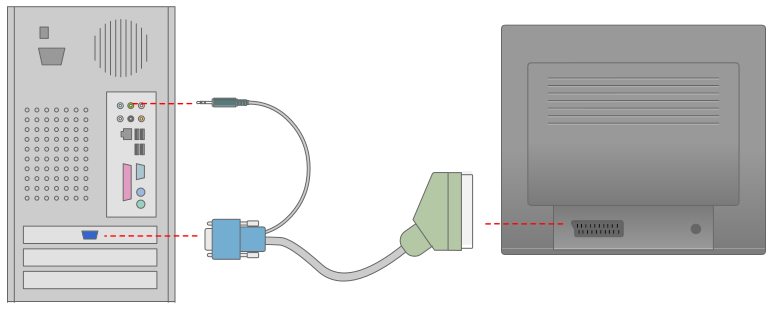


How to connect a PC to and old TV, using a SCART cable
If you already have your PC connected to a TV with the S-VIDEO cable or through a composite cable, this SCART cable will improve the image quality dramatically.
Make sure that your TV supports RGB signals through the SCART cable. Check your TV manual.
Needed parts
-
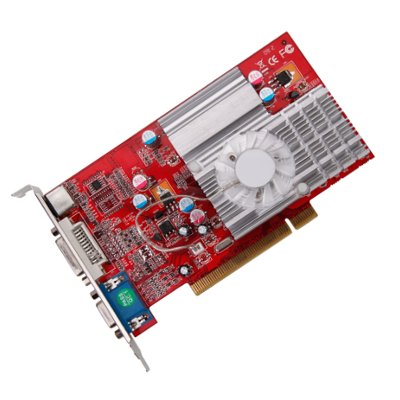
Ati Radeon graphic card, 7500 model and newer -
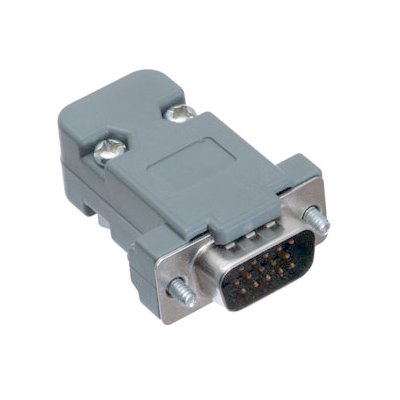
VGA connector (male) -
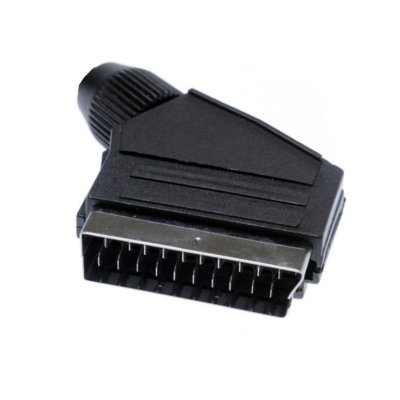
SCART (male) -
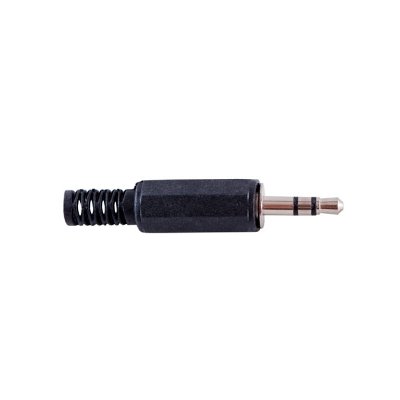
3,5 mm stereo jack -
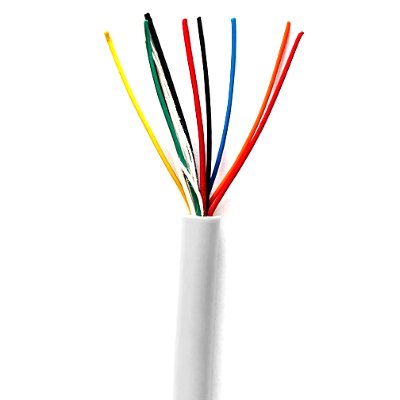
3 m cable (12 wires) -
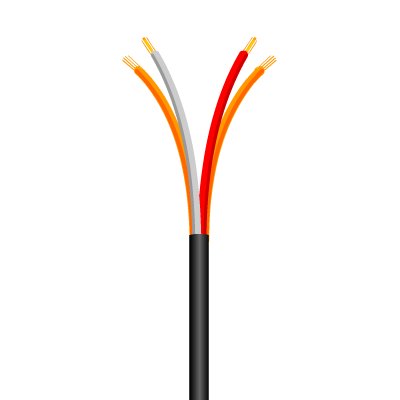
1 m stereo audio cable (2x2 wires)
Mounting scheme
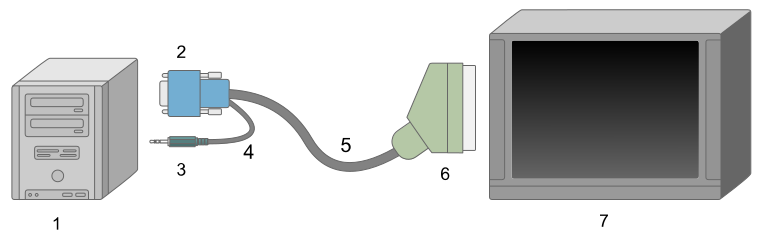
- 1. PC with Ati Radeon 7500 (or newer model), with PowerStrip installed
- 2. VGA (male)
- 3. 3.5 mm stereo audio jack
- 4. Audio cable (2x2 wires)
- 5. 12 wires cable
- 6. Scart (male)
- 7. CRT TV
Connectors
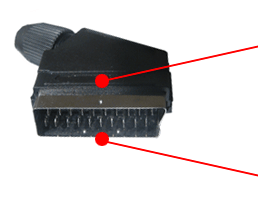 |
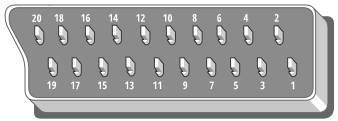 |
This is where the wires will be soldered to |
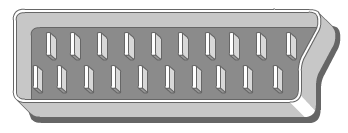 |
Outer view |
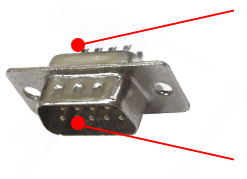 |
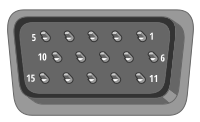 |
This is where the wires will be soldered to |
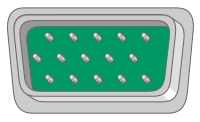 |
Outer view |
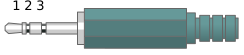 |
1. Left 2. Right 3. Ground |
Connections
| VGA connector and 3.5 mm audio connector | SCART | |||
|---|---|---|---|---|
 |
1 |  |
15 | 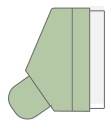 |
| 2 | |
11 | ||
| 3 | |
7 | ||
| 6 | |
13 | ||
| 7 | |
9 | ||
| 8 | |
5 | ||
| 10 | |
17 | ||
| 13 | |
20 | ||
 |
Left | |
6 | |
 |
Right | |
2 | |
 |
Ground | |
4 | |